 Kyvora
 01 · GUIDED VIDEO
Content for your audience
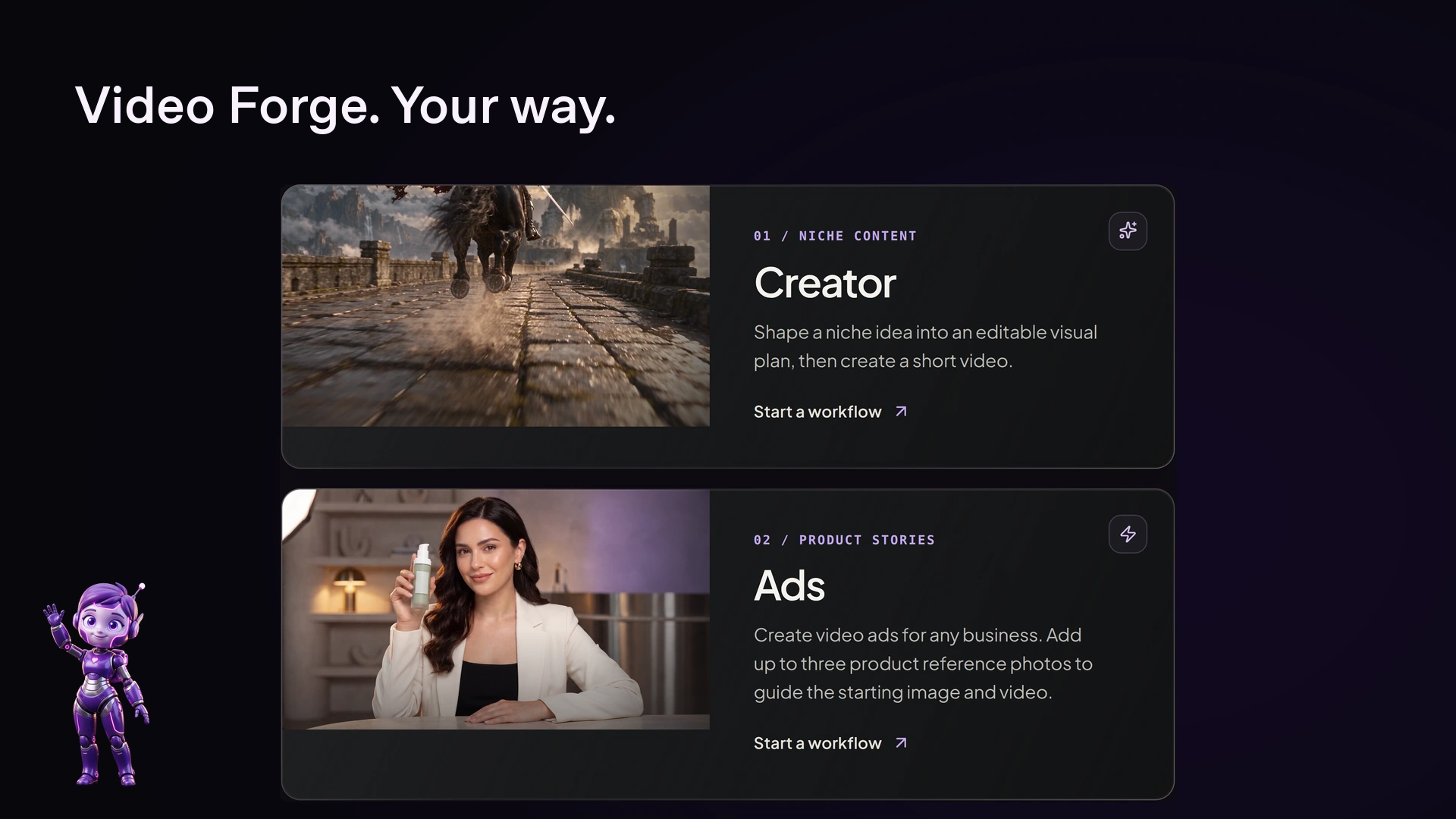
Turn an idea into an image or short video made for your niche.
ContinueFrom an idea to something you can share
From the first idea to an image, short video or ad, Kyvora helps you shape the direction and bring it to life.
Your creative workspace awaits.
Have a prompt? Create directly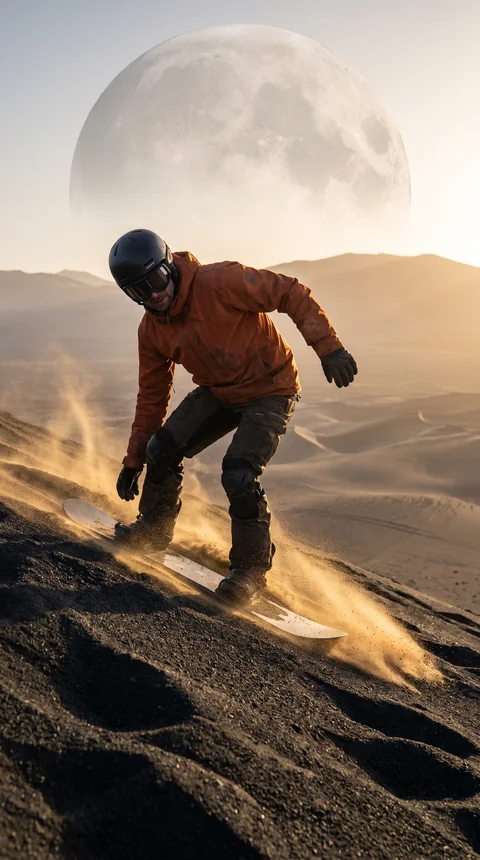



One idea. Different ways to create.
01 · GUIDED VIDEOTurn an idea into an image or short video made for your niche.
Continue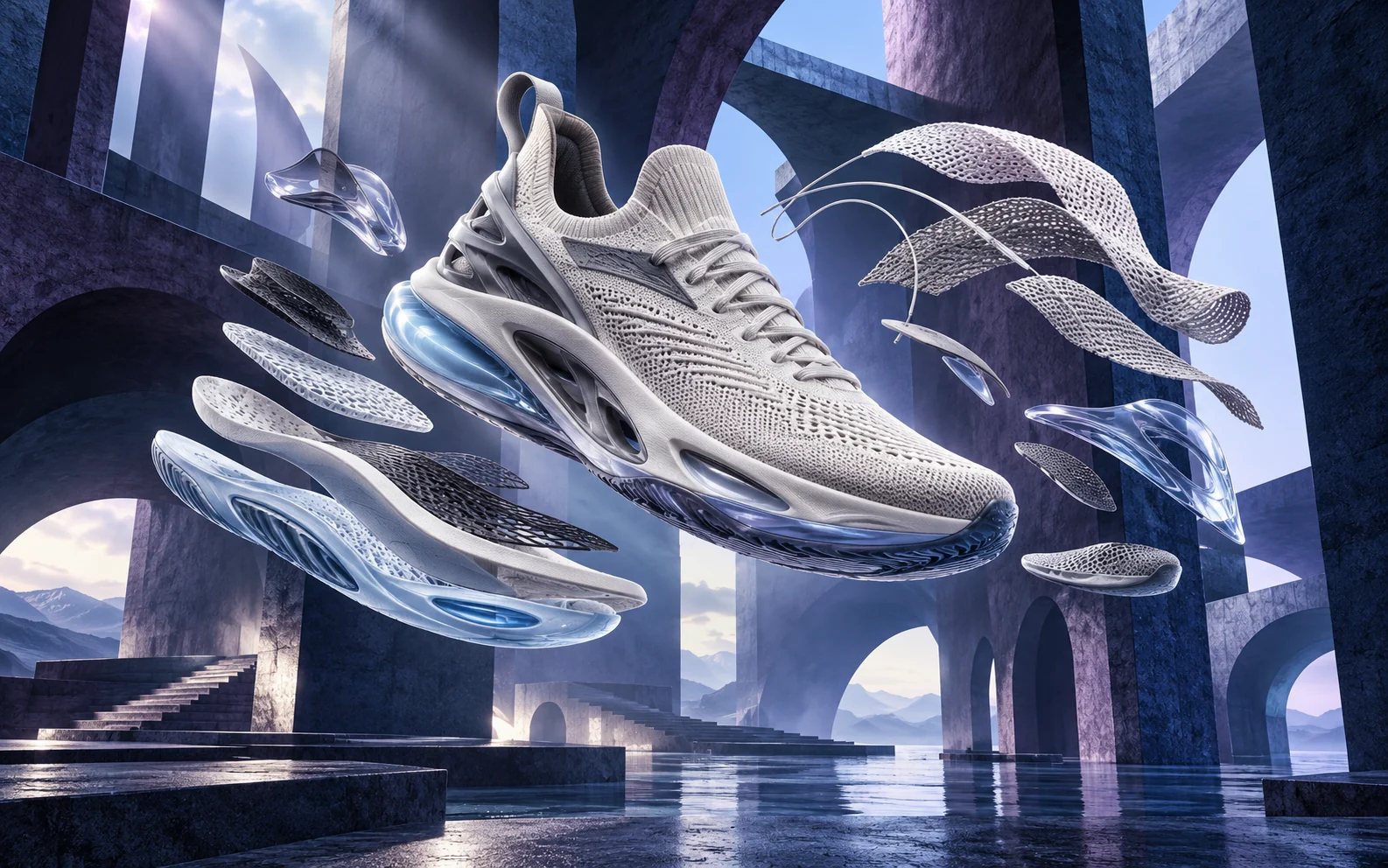 02 · BUSINESS STORY
Show off a product or introduce your service with an AI video ad.
Continue 03 · IMAGE MAKING
Explore a direction and create images around the ideas you want to share.
ContinueVIDEO FOR YOUR BUSINESS
Introduce your service, show off a product, or give people a reason to check out your business. Start with an idea and shape the creative direction inside Kyvora.

Creator-style demos · Product videos · Local business promos
No filming needed.
A guided creative process
Choose a niche and describe what you want to make.
Review the plan and edit the prompts before creating.
Generate your first frame and check how it looks.
Turn your image into a short video using your chosen settings.
A setup you can return to
Save your workflow, come back with a fresh idea, and pick up from a setup you already know how to use.
DIRECT CREATION
Want guidance? Start with a workflow. Already know exactly what you want? Bring your own prompt, choose a model, and create directly.
 Creative example
Choose an image model and use references where supported.

Write your prompt and add a starting image or another supported input.
New models added regularly. More ways to create for your audience and business.
Models, inputs and settings vary. Generation uses credits.
Open CreateKyvora Images
Create images around your niche, style and ideas.
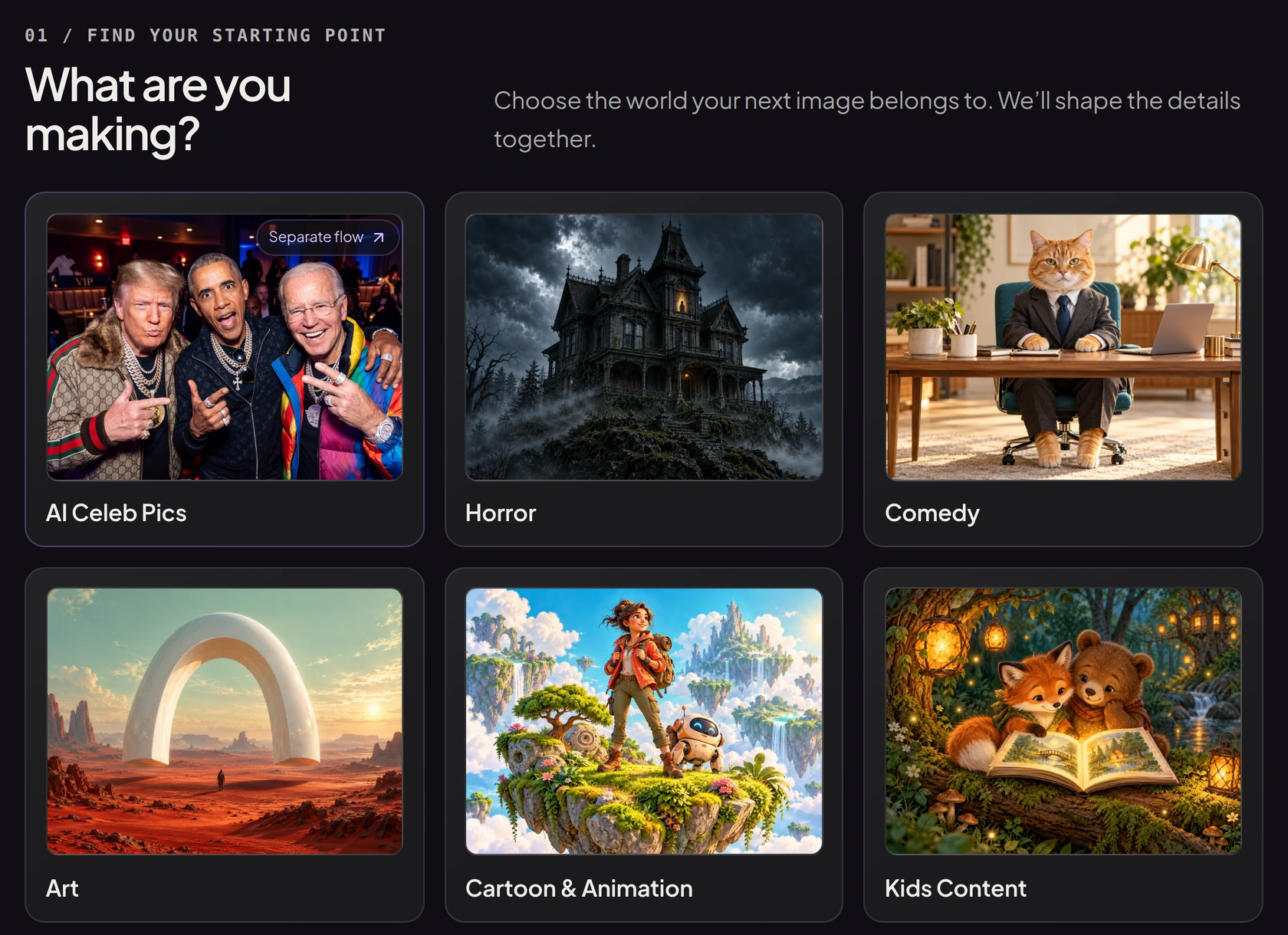
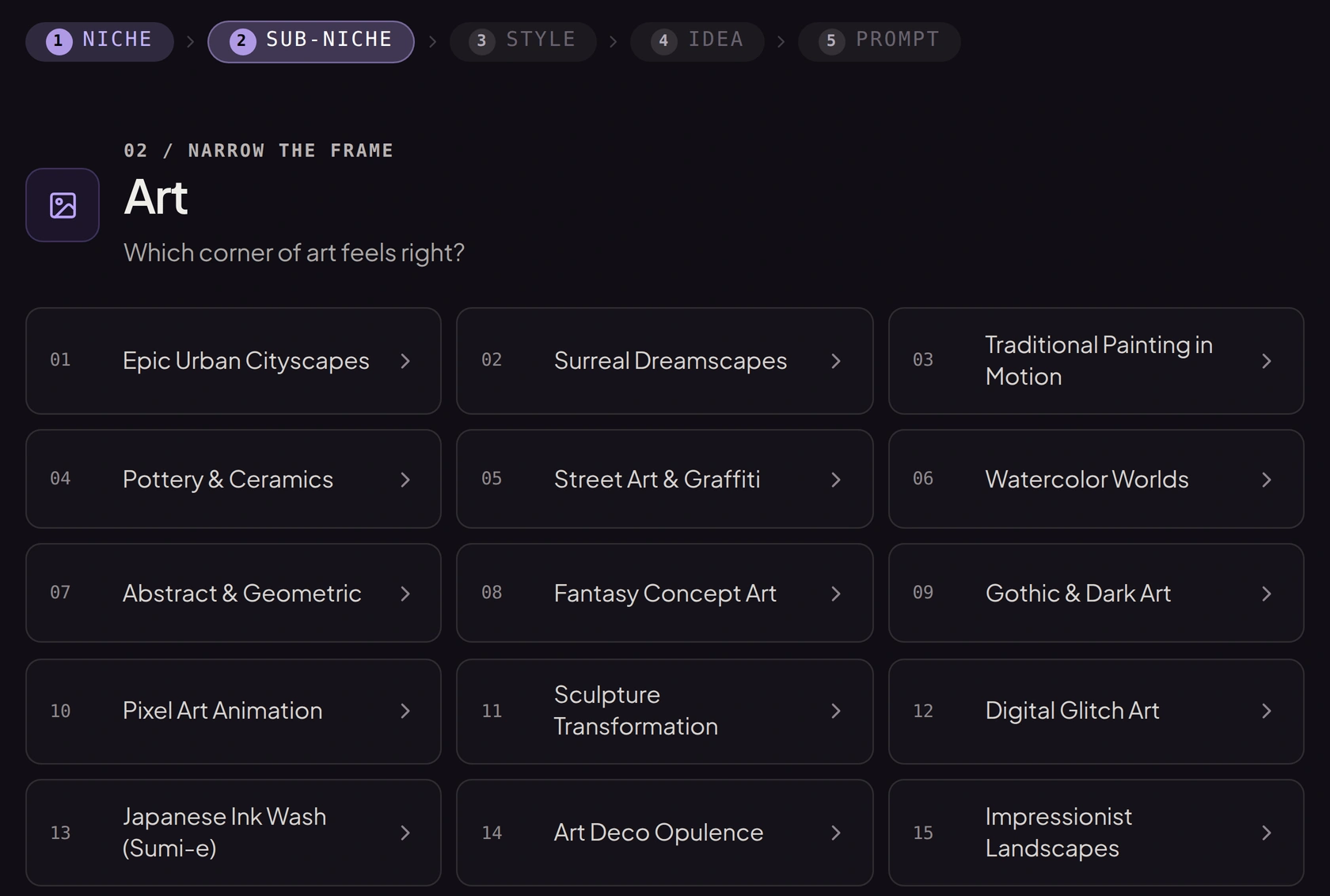
Inside Kyvora Images
Visual starting points


Explore image styles
MADE TO INSPIRE
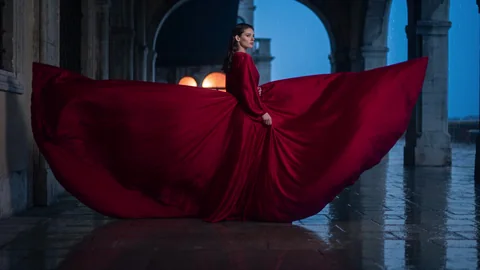
Explore what you can create with guided workflows. (Quick examples, not limits—bring your own ideas and create longer story videos, too.)





Motion Control · Before & After
Give your character a performance to follow with a character image and motion reference video.
Explore Motion Control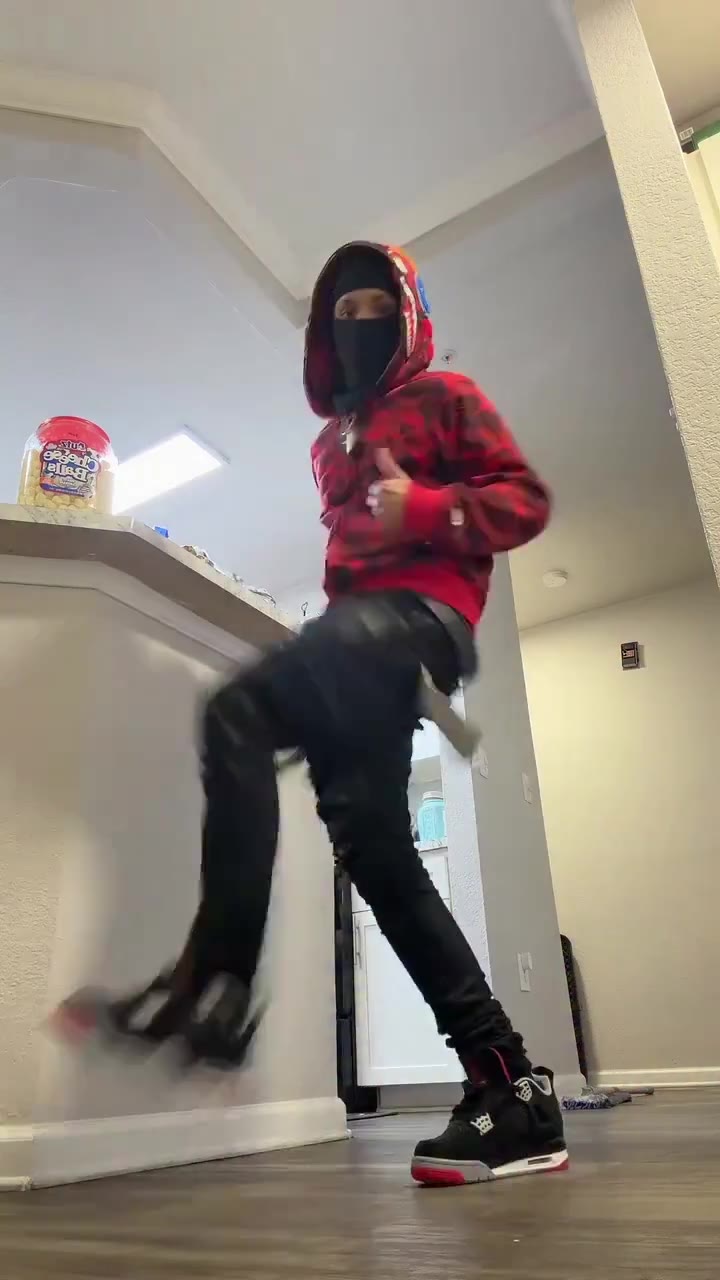
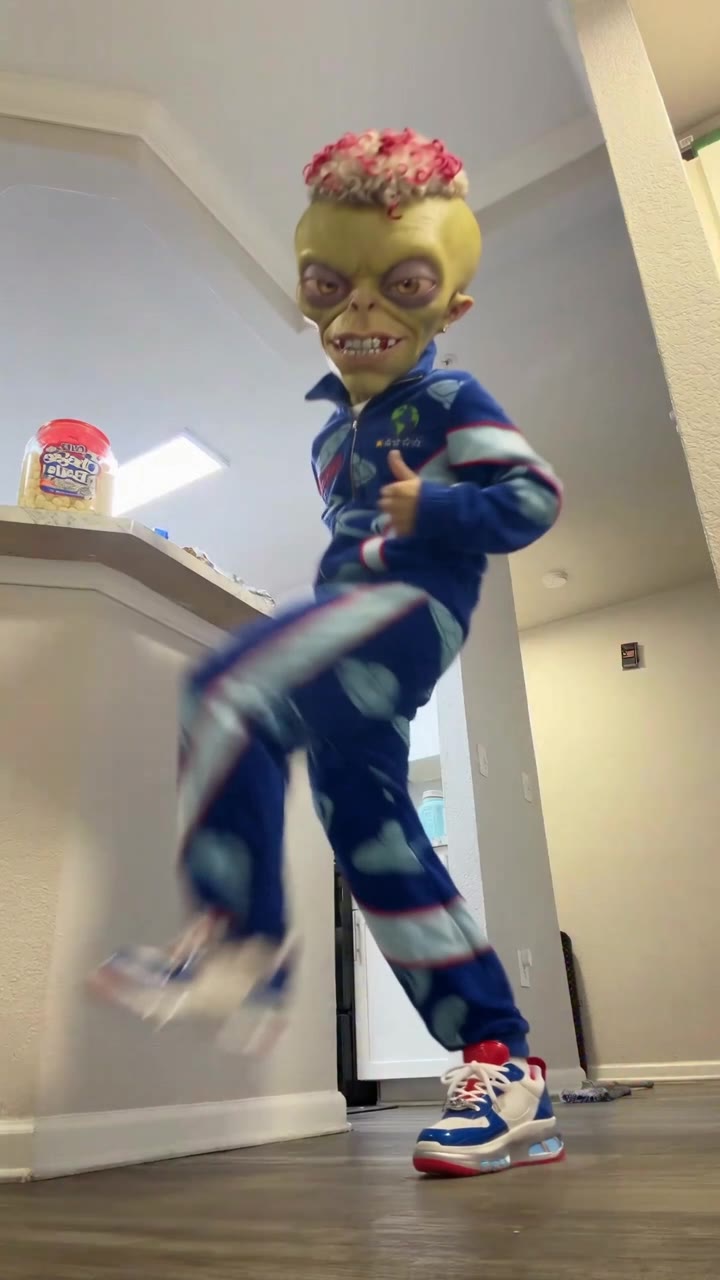

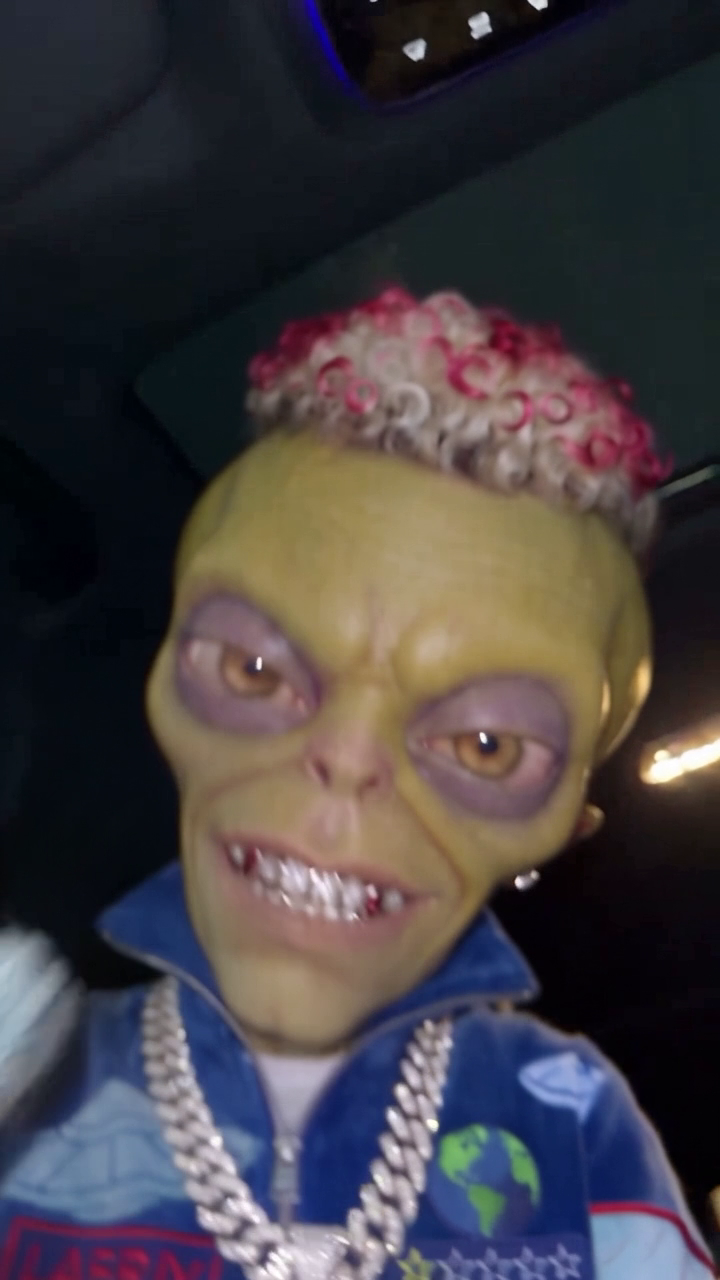
INFLUENCER STUDIO
Choose a persona and build image and video content around their look.
ContinueLicense one persona for $9.99/month with 50 monthly credits, or $99 one-time. Create with your licensed persona using credits, even on Free. A persona license is separate from a Kyvora plan.

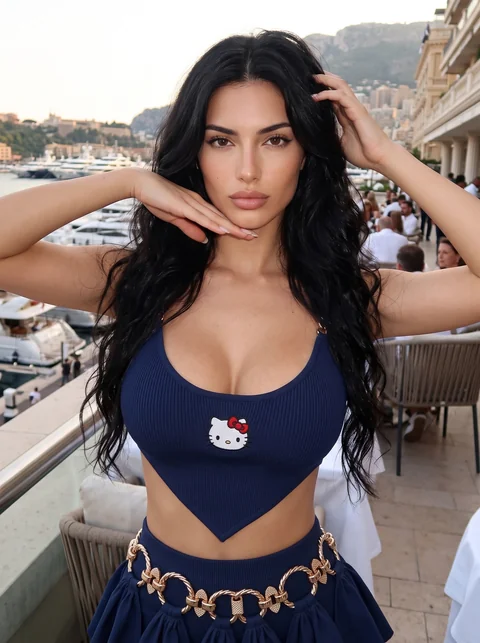

Built around real creative work
We know what it’s like to have an idea in your head and spend way too long trying to get it onto the screen. We’re building Kyvora to make that creative process easier, and improving it with feedback from the people using it.
Credits for your creative work
Explore Kyvora with the starting credits available to your account, or choose a plan for a larger monthly allowance.
Paid-plan credits refresh monthly, including annual subscriptions. Applicable tax may be added at checkout.Explore with your available prompts and credits.
$0
Free plan.
10 starting creditsOne-time offer for eligible new accounts. Your balance shows what is available.For occasional creation.
$15/ month
$180 billed annually · Save $48/year Save 20%
175 credits / monthFor consistent content production.
$47/ month
$564 billed annually · Save $144/year Save 20%
550 credits / monthFor higher-volume creation.
$119/ month
$1,428 billed annually · Save $360/year Save 20%
1,500 credits / monthFor teams and creators with larger monthly workloads.
$239.20/ month
$2,870.40 billed annually · Save $717.60/year Save 20%
3,000 credits / monthFor high-volume creative production.
$399.20/ month
$4,790.40 billed annually · Save $1,197.60/year Save 20%
5,000 credits / monthFor custom credit and workflow needs.
Let’s talk
Scope and terms agreed individually.
Custom credit volumeNeed more options?
Log in to view more pricing optionsInfluencer model leases are separate: $9.99/month per reserved profile, including 50 monthly credits. Browse models ↗
The starter offer is 10 credits one time, subject to eligibility—not daily or monthly credits. For example, Nano Banana Pro 2K costs 4 credits with current settings. Video costs vary by model, resolution, duration and audio; check the current estimate for your chosen settings.
Image and video generation use credits from your balance. Creating a Forge plan costs 1 credit when Create is clicked; a paid refinement costs 1 credit. Media generation is charged separately. Check each current quote before you act.
No. Daily-limited Free accounts have up to 10 text prompts per UTC day; other accounts keep their current eligibility. Text-prompt availability does not make image, video or paid Forge planning free.
You can buy a one-time pack without a monthly plan. Use your spendable balance for credit-based tools available to your account, including Video Forge. A pack does not include subscription-only tools, model leases or separately purchased Seconds. Check the displayed cost before generating.
One-time pack credits last 90 days. Annual subscription credits refresh monthly during the paid term; monthly subscription credits refresh with each billing cycle. Credits do not roll over. Check your account for available balances and any pending credits.
No. Model, resolution, duration and audio affect the quote. A guided project has separate planning, image and video actions; later estimates are not a promise of one fixed total.
Start with an idea. Make it yours.